Field Risk OS Platform Overview

Field Risk OS is an operations, logistics, and incident reporting platform for outdoor expedition programs. Most outdoor programs run on a web of spreadsheets, forms, handwritten notes, and siloed knowledge. Field Risk OS integrates these into one connected platform, improving operational organization, reducing busy work, and retaining hard-earned institutional knowledge.

Field Risk OS program dashboard: active trips on a live topo map, shown in light and dark mode.

LightDark

Program Dashboard

The Trip Lifecycle

How a trip moves from plan to debrief in Field Risk OS.

  1. 1PlanningCreated from a trip template
  2. 2UpcomingDates and people added
  3. 3BriefedPre-departure briefing completed
  4. 4In the FieldComms and incident reporting
  5. 5ReturnedGroup back and accounted for
  6. 6DebriefedLessons learned and carried forward
  7. Lessons carry into the next trip

Records are created as part of the workflow, not an extra step.

Institutional Knowledge That Lives in Your System

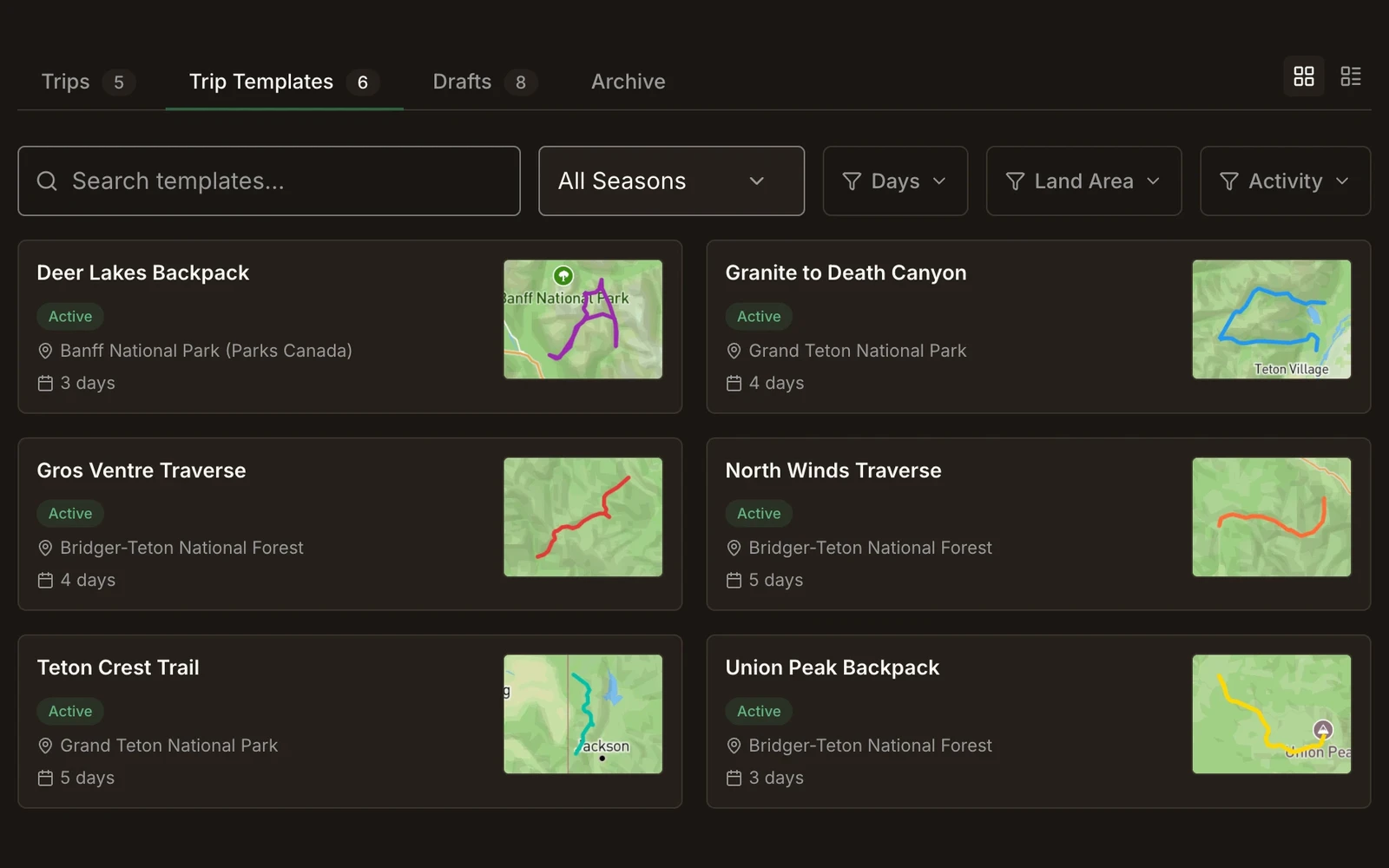
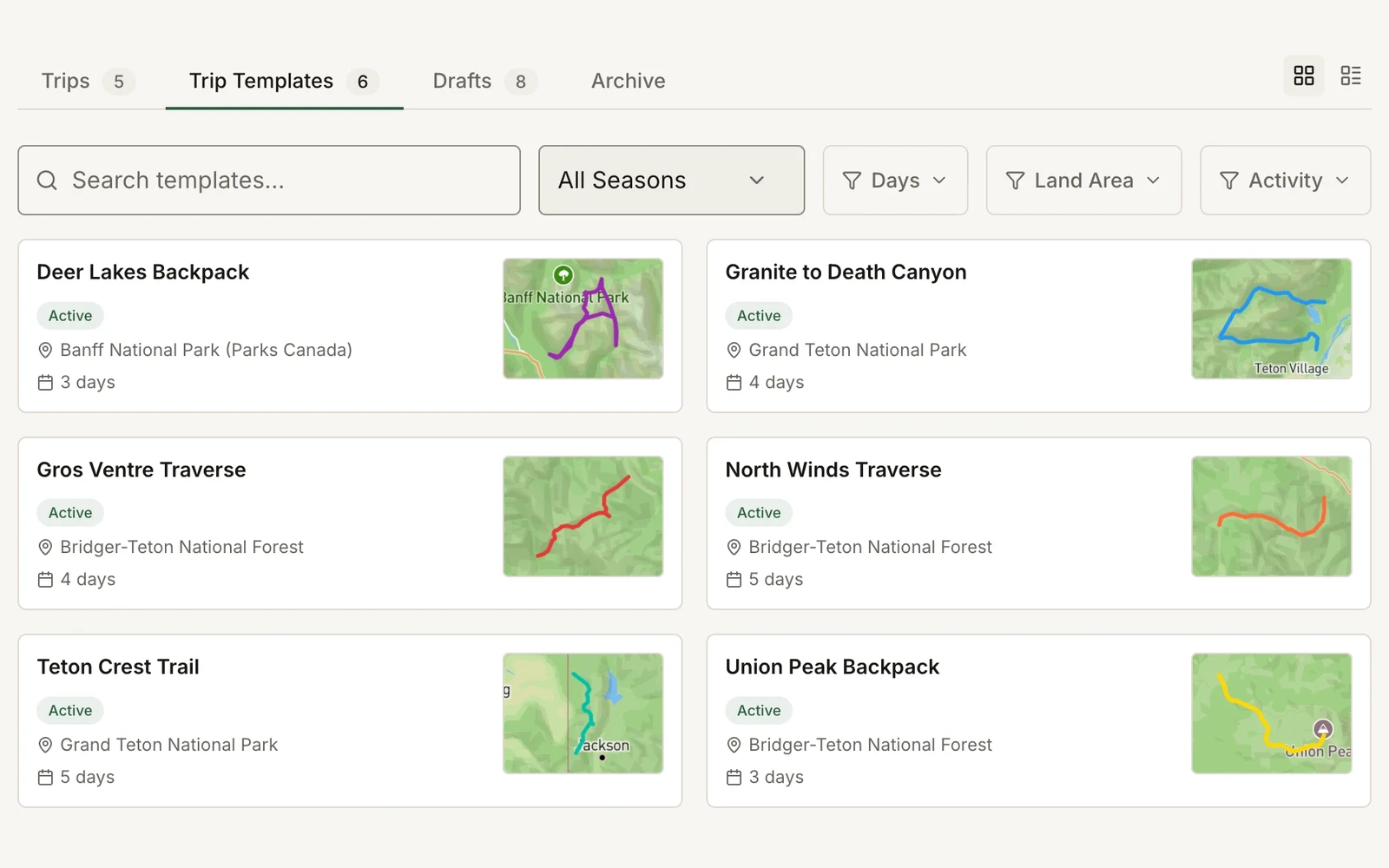
Trip planning and mapping: the route, itinerary, and details, stored with the trip.

Trip Templates

Trip templates are the base of the trip system in Field Risk OS. Each one is the reusable plan for a trip, including the itinerary, map, hazards, staffing requirements, permit information, and more. Each trip is tracked through its lifecycle, from planning to debrief. Build a trip template once, run it all season (and beyond).

Route Builder

The route builder workflow guides trip design day by day, recording drop-off, each day’s travel, each night’s campsite, and pickup. Hazards from your program’s hazard library, water sources, and other waypoints live on the same map, and the route exports as a single GPX file.
Read the full write-up on Field Debrief

Day-by-Day Itineraries

Each itinerary day stores its mileage, elevation change, land manager, and notes (for example, a reliable water source, a good teaching spot, a campsite that floods when it rains). These stay on the template from season to season, so the next trip starts with the lessons of the last.

Season Scheduling

Scheduling a trip starts from the information held in your trip template, with its own dates, staff, participants, and other trip-specific information added to that individual trip. Changes made to the trip stay with that trip, and the template remains the canonical version.

Staffing Requirements and Hazards

Set the staffing requirements for each template, and document the hazards specific to that route from your program’s own hazard library. Hazards with mitigation notes are stored in your hazard library and added to applicable trip templates.

Briefings and Debriefs

Detailed pre-trip briefings and learning-focused post-trip debriefs.

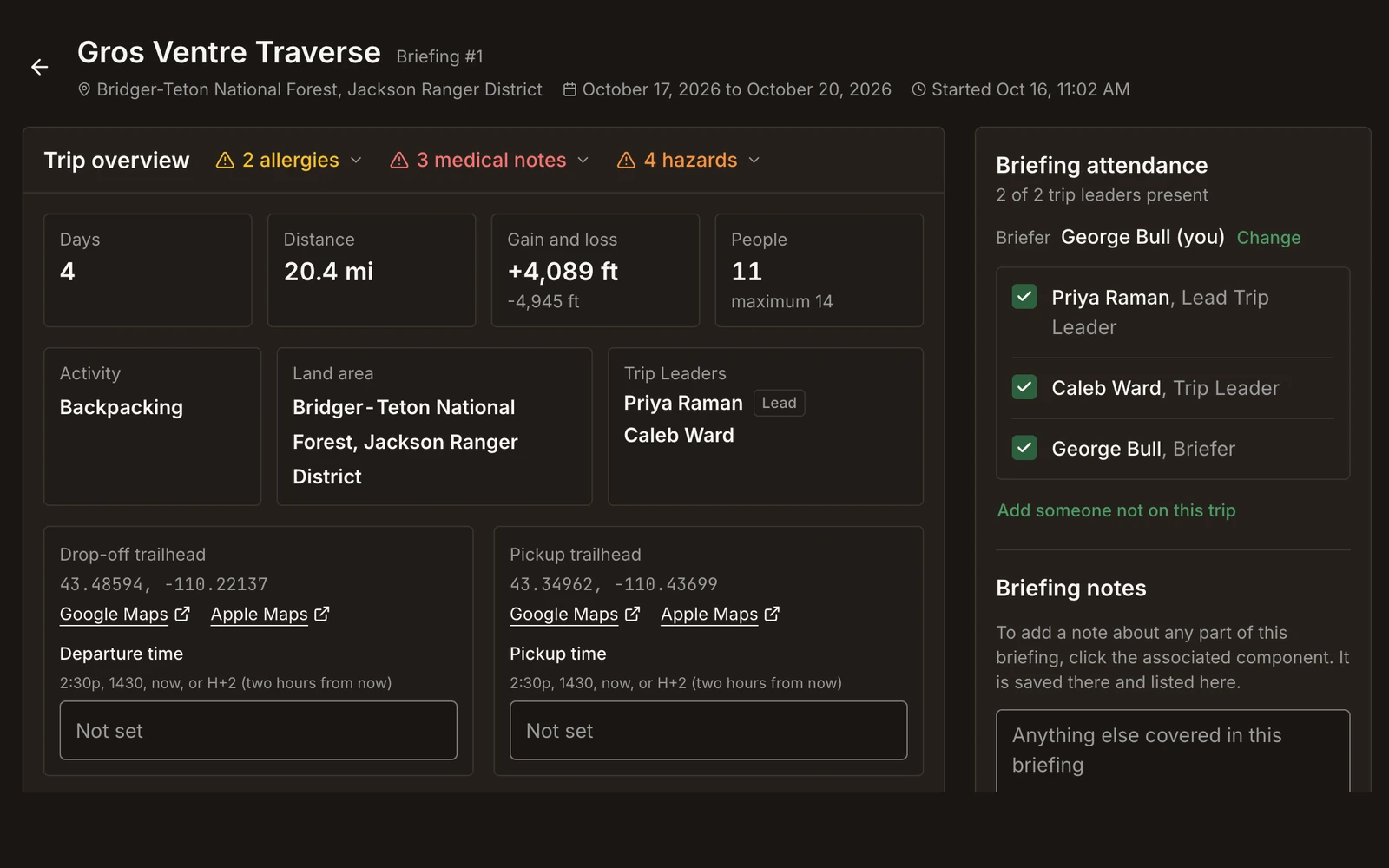
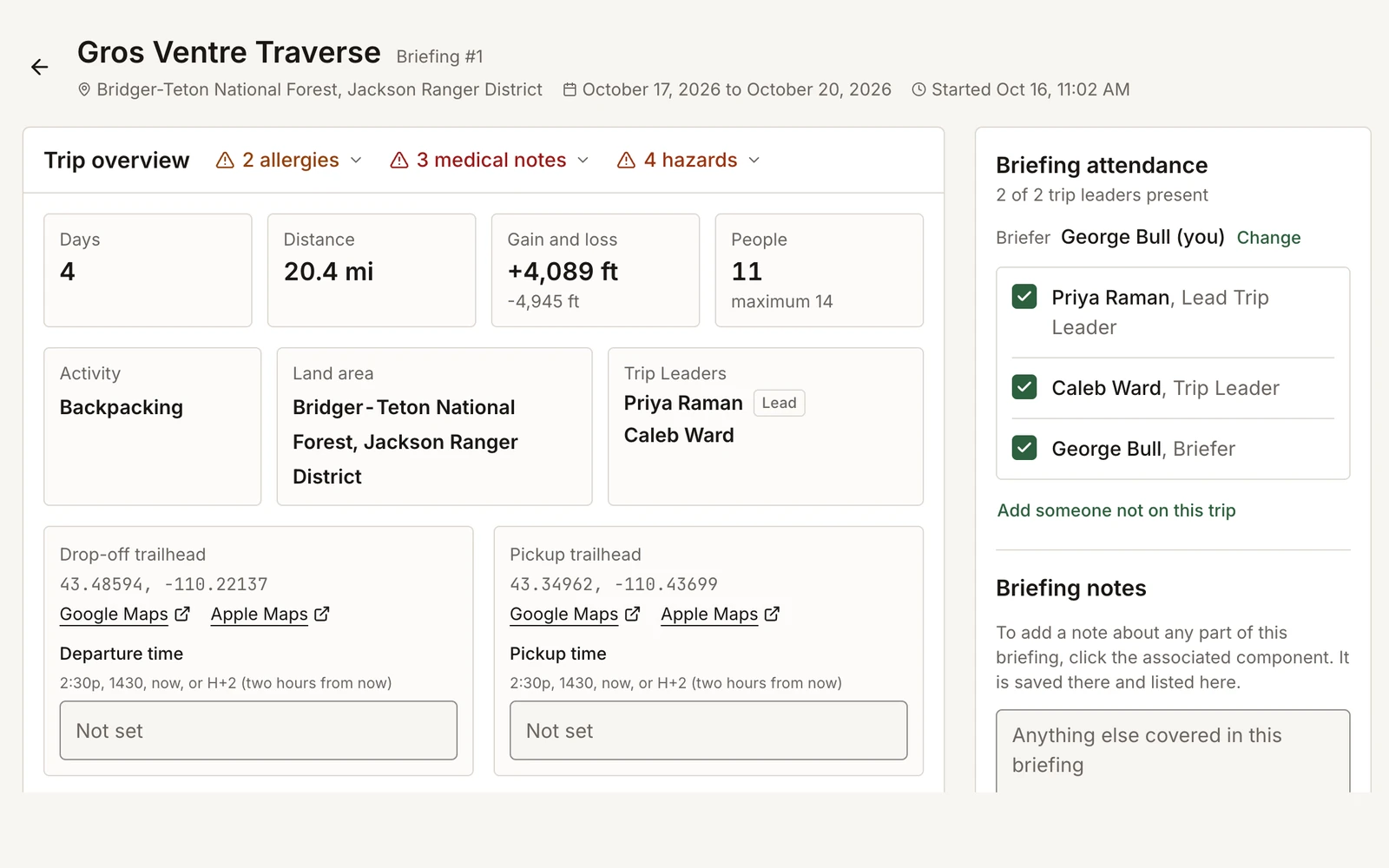
Briefings

Before departure, the trip leaders and a manager walk through a briefing built from the trip record: route, itinerary, hazards, staffing, the roster’s medical flags and allergies, weather, and lessons attached to the template. Trips can be briefed digitally in the system, or a briefing form can be printed, completed offline, and uploaded later. When the briefing is submitted, it’s frozen as a dated record of what was covered, by whom, and when.

Departure Checklists

A checklist to verify the trip has the gear and people it needs to depart.

The Trip Page

Each trip is tracked through its lifecycle, from planning to debrief. The trip page shows the current status, and the dashboard surfaces trips waiting on a briefing or debrief.

Debriefs

After the trip returns, the debrief records what went well, what didn’t, and any incidents or near misses not yet reported. Notes for future briefings are added to the template, so the next group on that route is briefed on them. After the debrief, the trip is marked Debriefed. Its full record, including the briefing, incident reports, and communications logs, downloads as one trip packet, and data from the trip feeds your program’s reports.

Let’s build and brief one of your trips.

Incident Reporting

Filing, review, and follow-up for incidents and near misses.

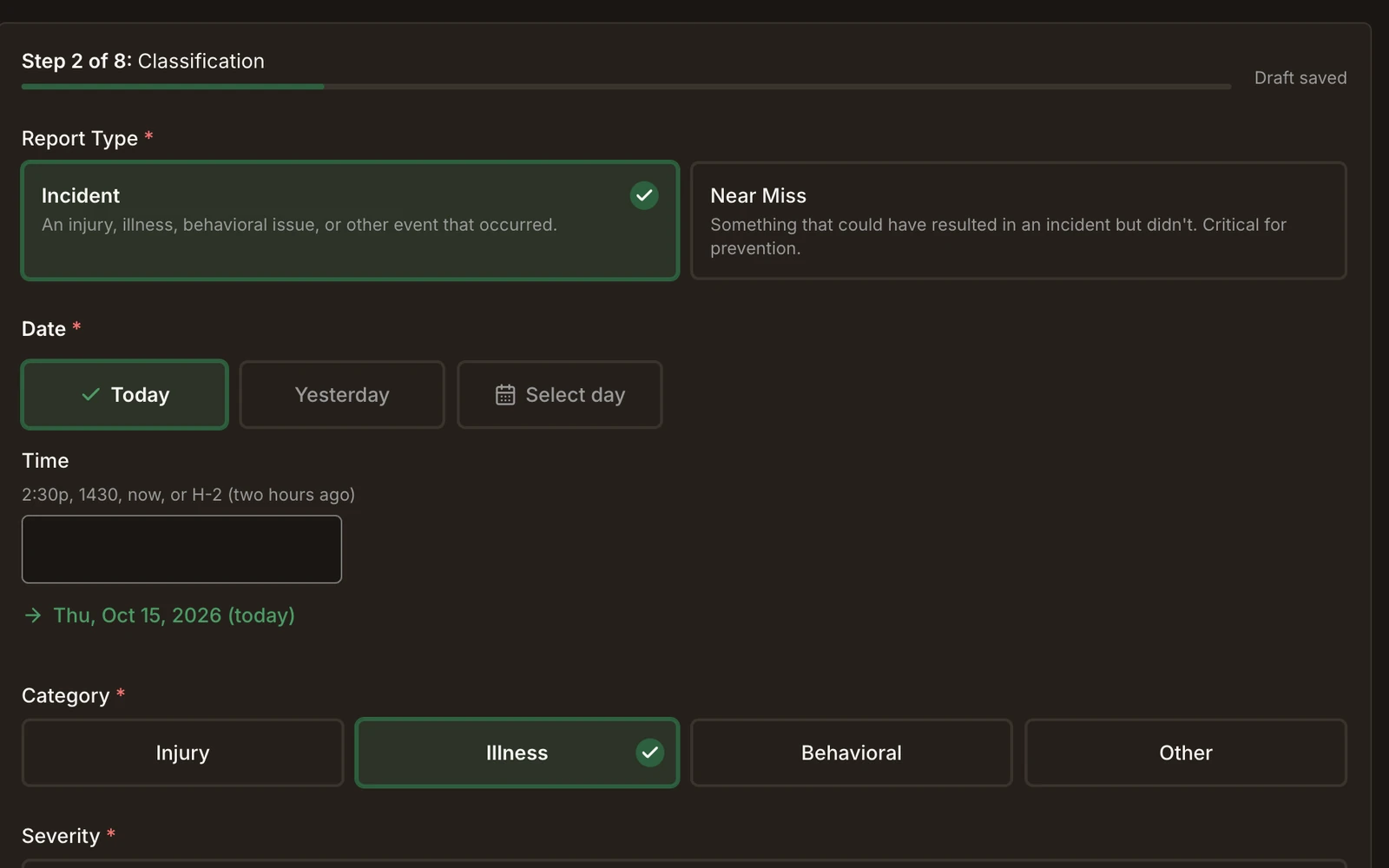
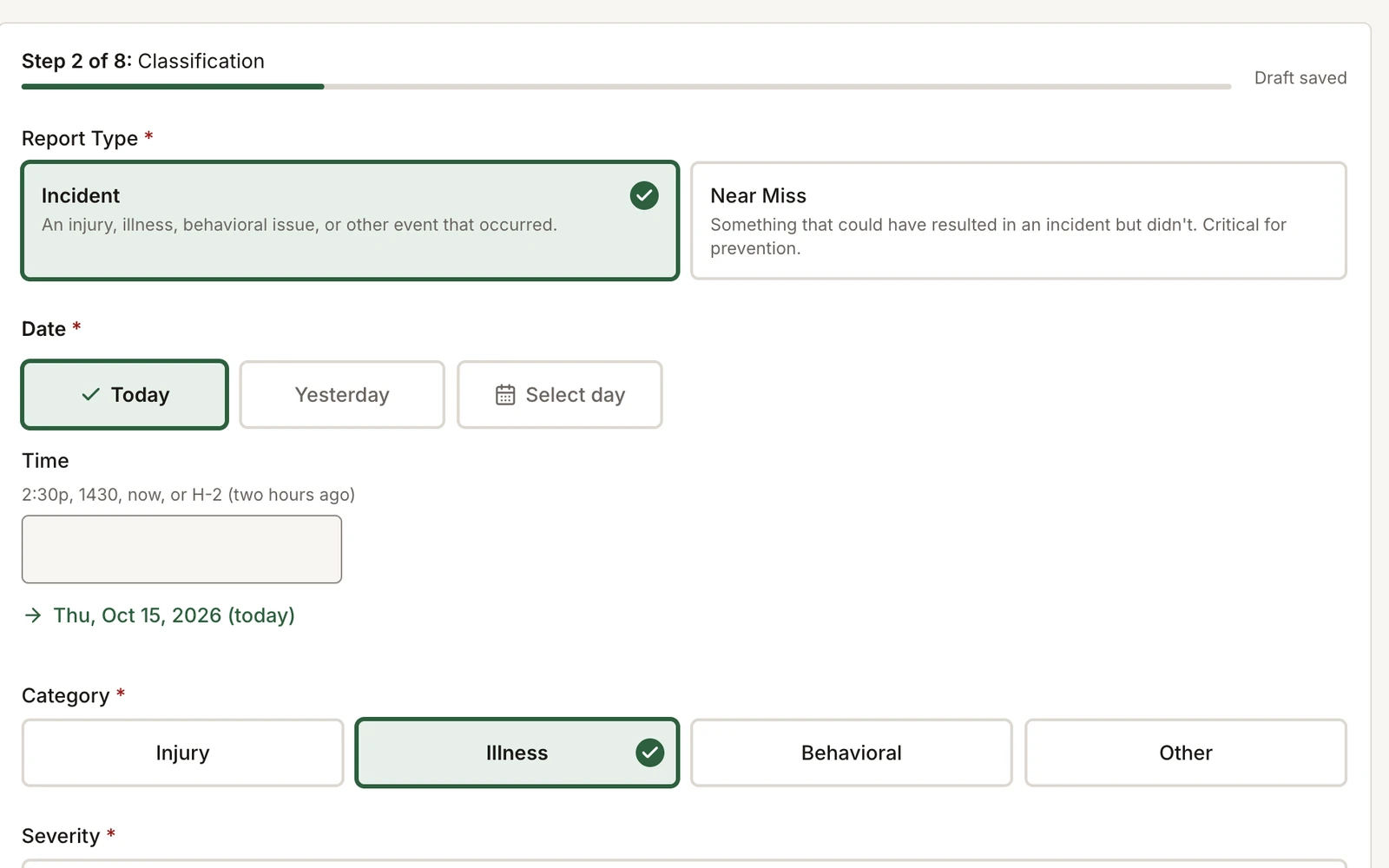
Field Risk OS incident report form, step 2 of 8: report type, date and time, category, and severityField Risk OS incident report form, step 2 of 8: report type, date and time, category, and severity

Filing a Report

Staff (and others, depending on configuration) can file incident reports and near misses from a phone or computer. Documenting a near miss takes about a minute. Each report is linked to the trip it came from, including the roster, route, and briefing. Filed reports can’t be edited. Information added later is recorded as an addendum.
Read the story on Field Debrief™

Review and Follow-Up

A reviewer can add review notes, assign follow-ups with an owner and due date, and escalate a report to a colleague. Lessons from a review can be added to trip templates, so they appear in future briefings.

Restricted Reports and Incident Packets

Program leaders can restrict any report to the specific people granted access, with restrictions and views recorded in the audit trail. Information about an incident can be easily exported as a comprehensive incident packet.

Safety-I and Safety-II

The process is designed around both Safety-I (learning from what went wrong) and Safety-II (learning from what goes right in everyday work).

Active Incident Documentation

A shared record of an incident, as it’s happening.

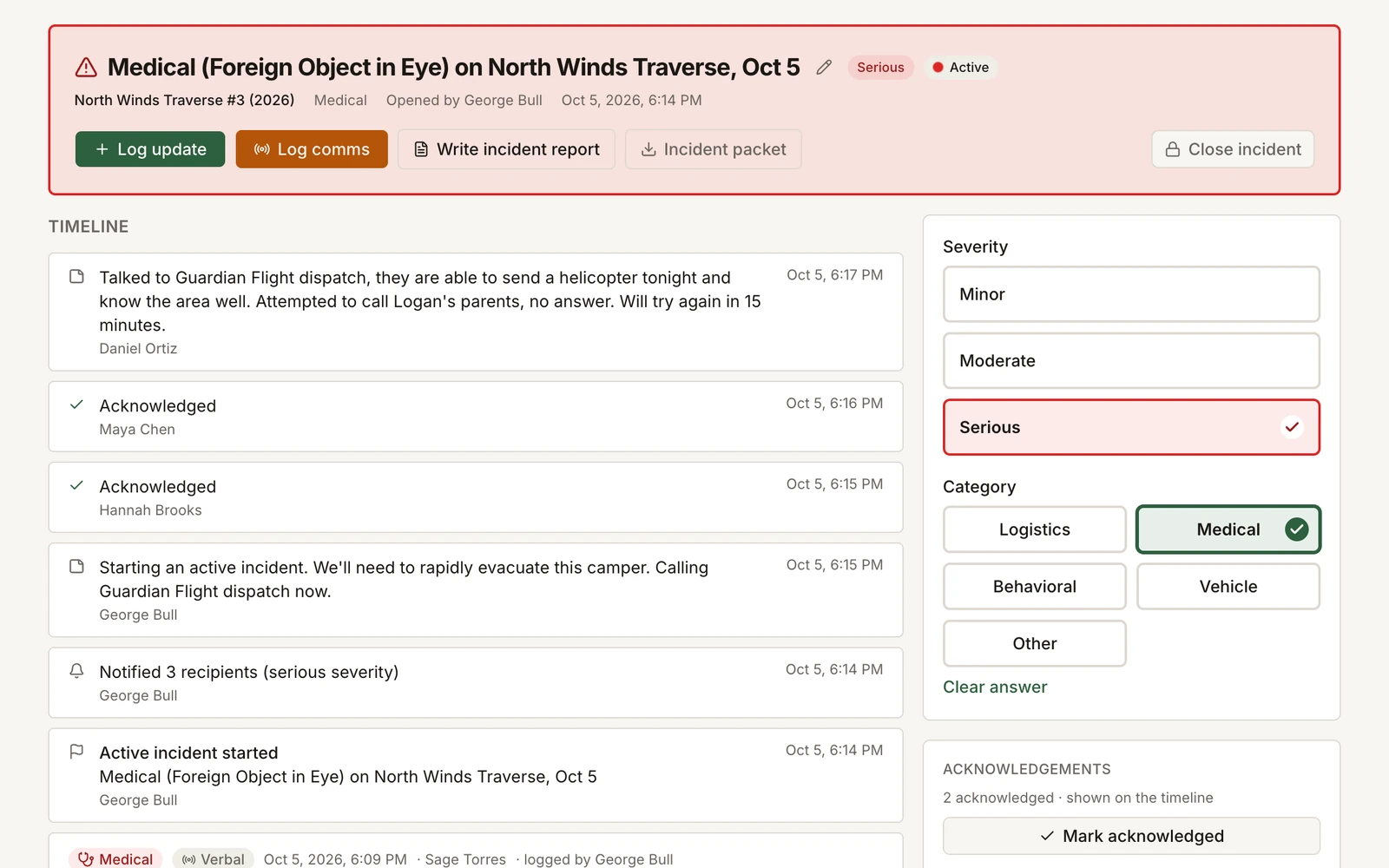
Field Risk OS active incident record: a medical incident's timeline of updates, acknowledgments, and a logged call, with severity and category

One Timeline

Sometimes an incident on a trip, such as the medical evacuation of a participant, requires real-time communication between program leaders and clear, comprehensive documentation to review once it’s resolved. Once an active incident is opened, every update, call, and next step goes into a single timeline, timestamped with its author. Depending on the nature of the incident, Field Risk OS can notify people in your program of the ongoing incident.
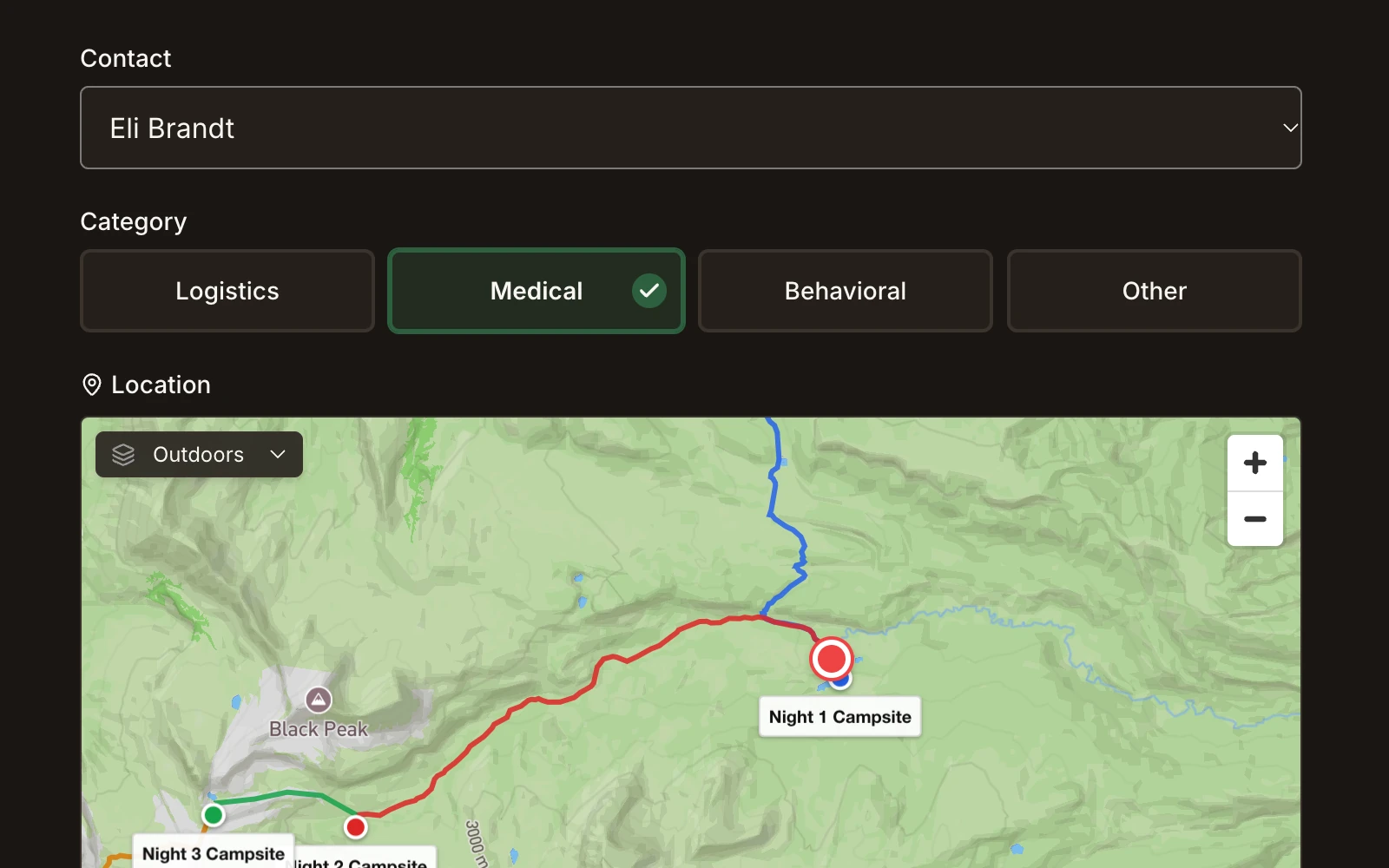
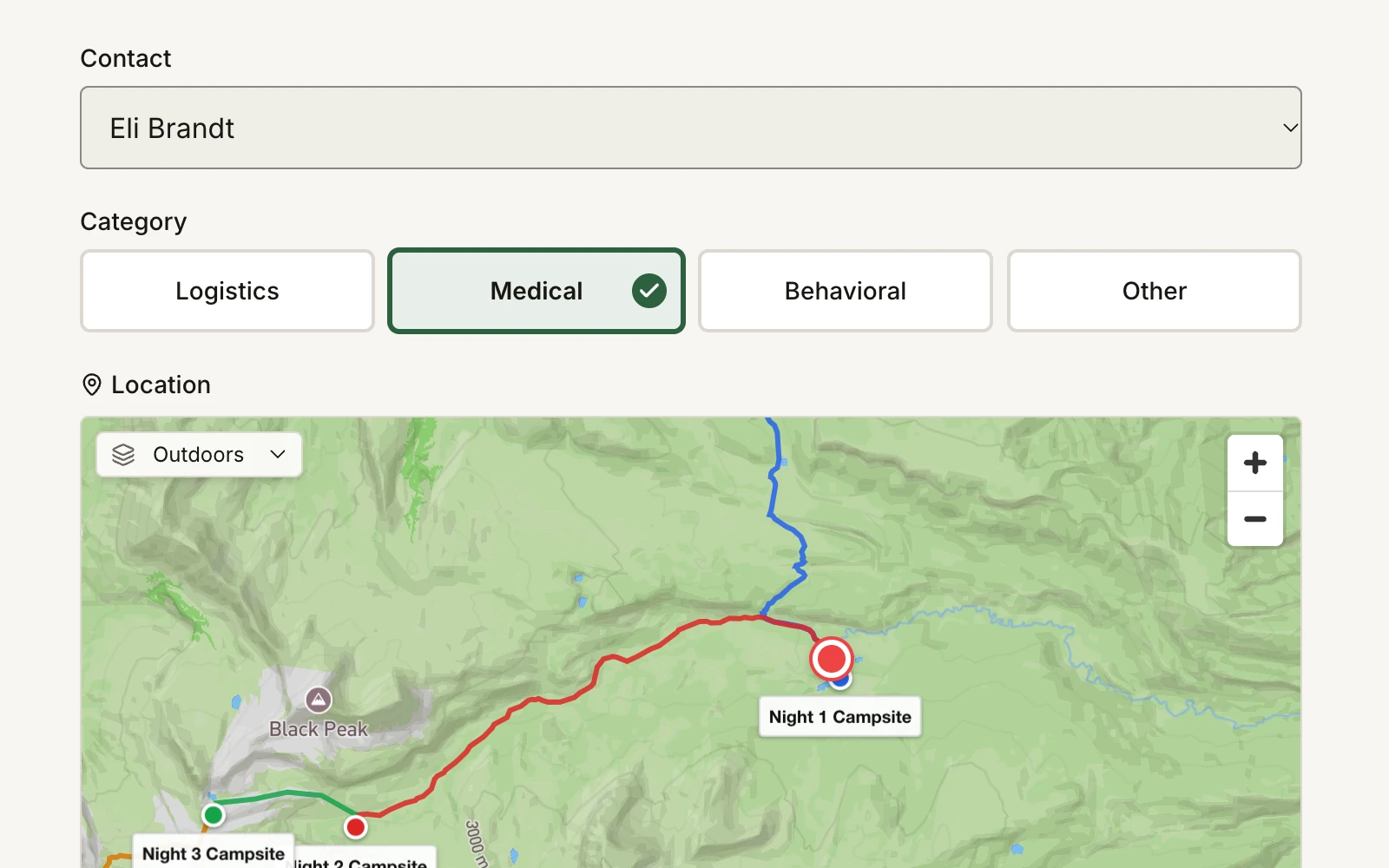
Field Risk OS comms log form: a medical call with its contact, category, and location on the trip mapField Risk OS comms log form: a medical call with its contact, category, and location on the trip map

Communication Logs

Log communications from your leaders in the field. These logs are structured and easy to use, and can be attached to specific trips and incidents.
Read the story on Field Debrief
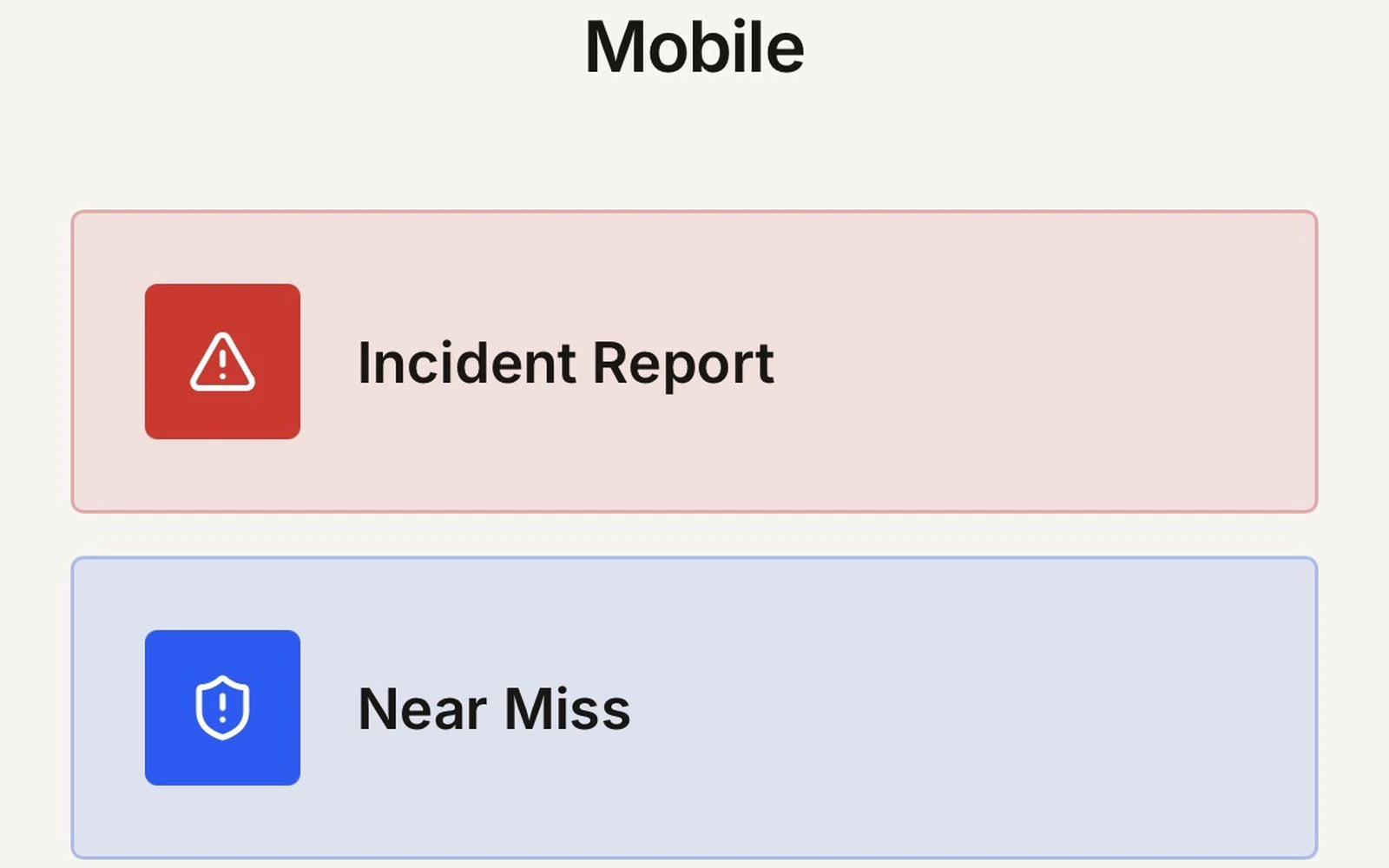
Field Risk OS Mobile home screen: Incident Report and Near Miss

Field Risk OS Mobile

Incidents, near misses, and field communications can be logged quickly through a phone-optimized mobile interface.

Calls, Acknowledgments, and Packets

Each acknowledgment of a notification is recorded on the timeline. Calls from the field go into the log as structured entries, with space for relevant details, such as a SOAP note for medical calls. When the incident closes, your team writes the incident report from what was logged at the time, and the full record downloads as one incident packet.

Field Risk OS is not incident management or emergency response software. It does not direct, dispatch, or manage an emergency response, and it does not make safety decisions. Those remain the responsibilities of your organization.

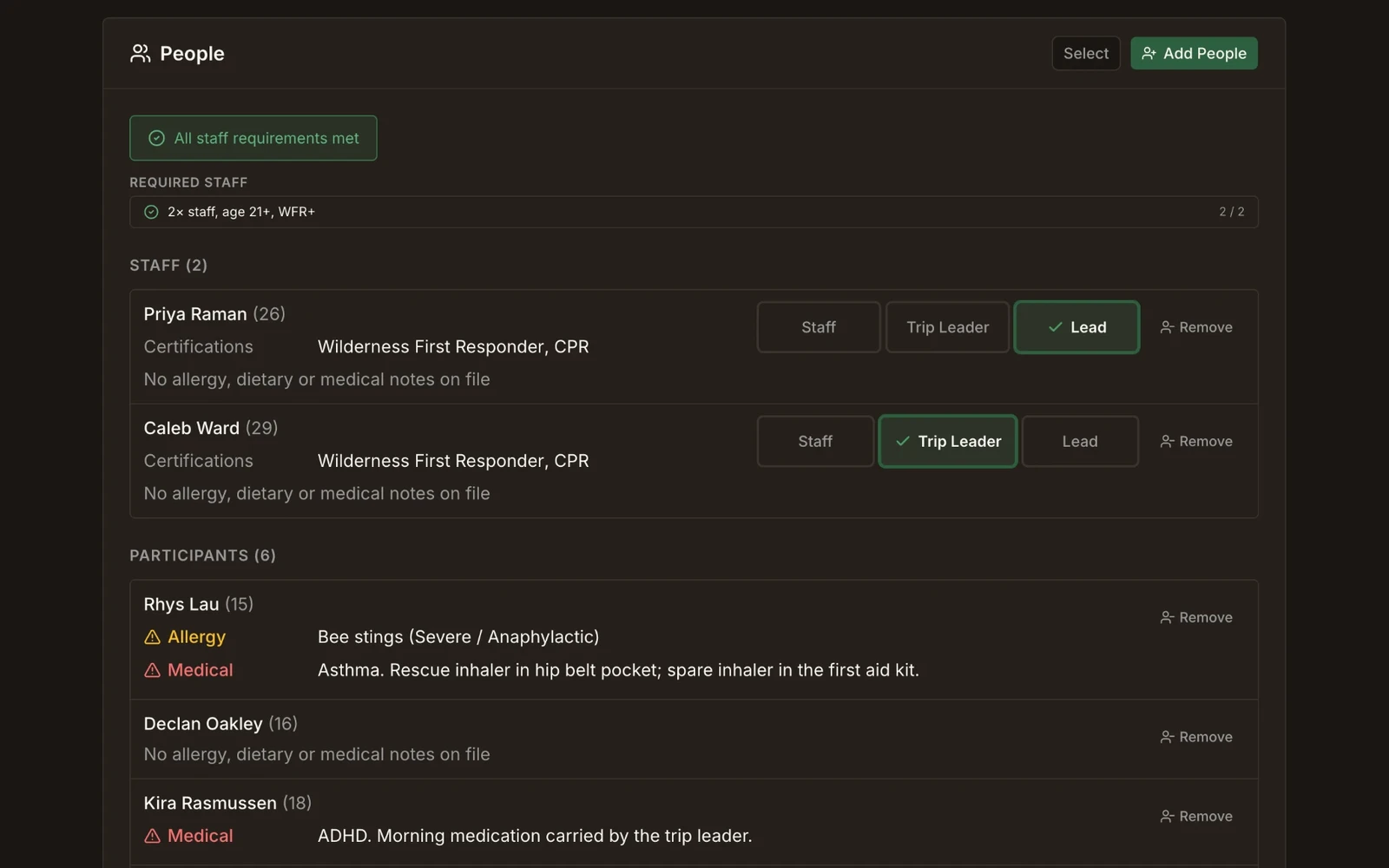
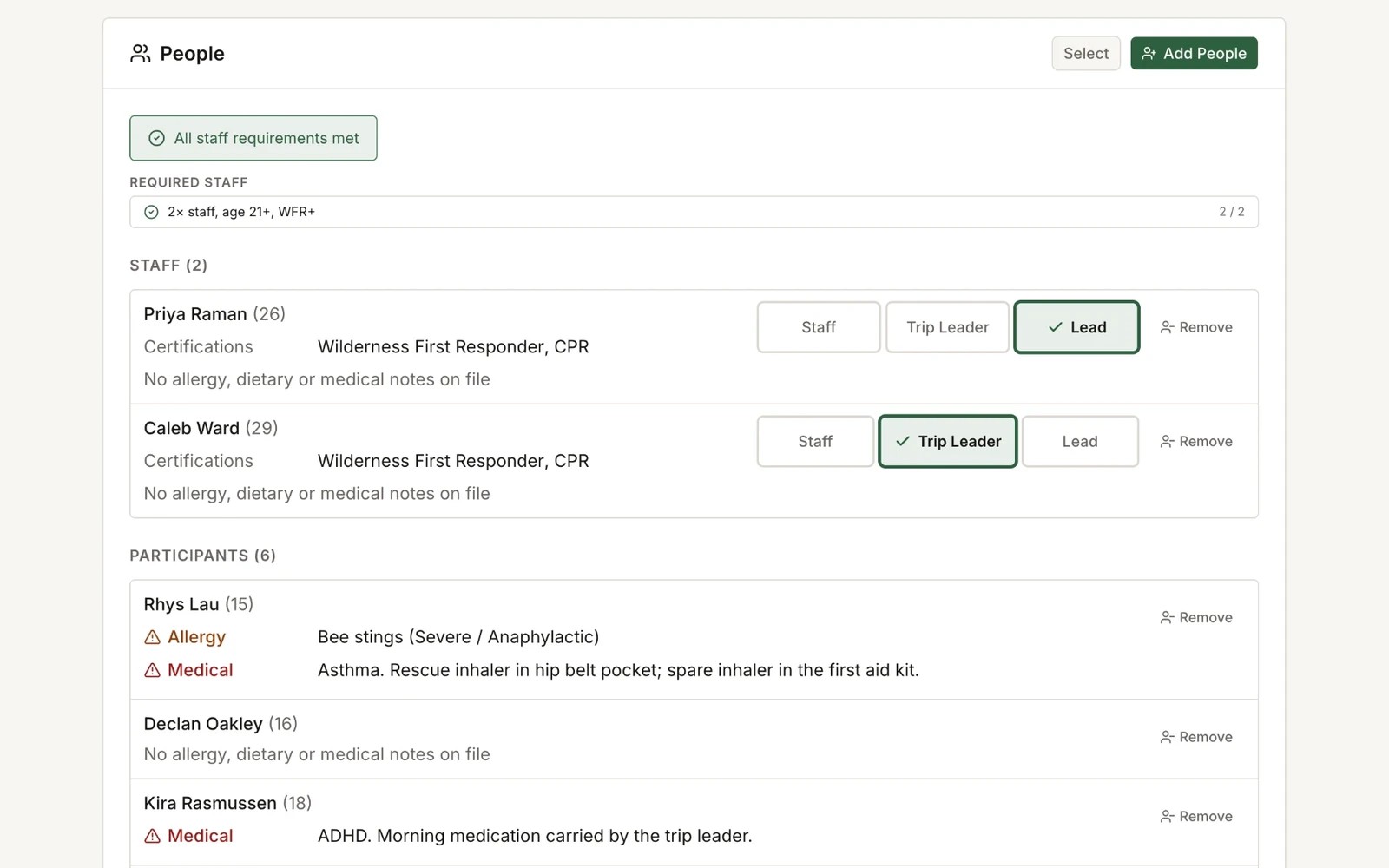
People and Certifications

Relevant details for staff and participants, tied to every trip.

Trip Rosters

Because Field Risk OS is an integrated system, your people library is a powerful tool. People, along with relevant information such as their certifications, allergies, dietary restrictions, and trip histories, are directly connected to their trips, applicable incidents and communications logs, reporting data, and more.

Certifications

Certifications are stored with their expiration dates and checked against each trip’s staffing requirements. Field Risk OS stores the operational details a trip needs, not full medical records.

People Groups and Trip History

People groups allow you to add a whole cabin or cohort to a trip in one step, and each person’s trip history shows who has been on, or led, a given route before.

Importing Your People

During setup and beyond, your people can be imported from an export of your existing registration software, CRM, or other tools. People records can also be created and edited directly in Field Risk OS.

Program Analytics and Reporting

Incident data, land-use calculations, and reporting dashboards.

Incident Data Analytics

Incident data is organized so patterns can be recognized, and lessons don’t stay stuck in a filing cabinet. The incident dashboard shows incident and near miss data by severity, potential severity, category, and review status. It also tracks serious events, actual or potential, because those are the reports most worth a closer look. Every number opens the reports behind it, so a pattern on the dashboard leads straight to the narratives.

Incident Rates

Incident rates per 1,000 user-days are calculated from the trip records you complete as part of your workflow, so gathering data for analytics is no longer an extra step.

Land Use and Agency Reporting

The platform calculates land usage as a byproduct of the documentation you’re already doing. Each day in a trip’s itinerary carries land manager information and participant data. Permit allocations are tracked by season and land unit. Program Stats surfaces total participant-days, staff-days, usage by land unit, permit utilization percentages, and more. Complete your Forest Service, BLM, and NPS reporting more quickly with system exports.

Implementation and Systems Support

Set up with you, around how your program operates.

1. Data Collection

Information about your people, organization, hazard library, trips, incident reporting forms, review processes, and more.

2. Configuration

Incident reporting forms, hazard library, and trip templates, built out with you and reviewed before launch.

3. Training

Staff training on how the system works, a mock active incident and review with program leadership, and your first season in the schedule.

4. Go Live

Direct support from me as staff get on the system and your first trips go out.

Systems Support

I have experience with a wide range of systems and software. Support for the systems around Field Risk OS, such as exports, spreadsheets, forms, and CRM or registration software, can be scoped during install or as a standalone service.

Who Field Risk OS Is Built For

Summer Camps with Expedition Programs

Camps running multi-day backcountry trips.

Outdoor Education Organizations

Field schools, semester programs, course-based outdoor education.

University and School Outdoor Programs

Wilderness orientation trips, outdoor education degrees, university backcountry trips, outdoor experience programs.

Guide Services

Commercial outfitters running multi-day expeditions.

A Note on Risk Management and Field Risk OS

Documentation on its own is not risk management.

Risk management at its core is driven by people doing the work: their training, their judgment, their decisions in the field, and the culture of the organizations that support them. Field Risk OS can influence your program’s risk management through organized documentation, not replace the judgment, training, knowledge, or experience of the people doing the work.

Teton Valley Ranch Camp

Field Risk OS Customer

“The more I explore Field Risk OS, the more excited I am about what it means for TVRC: streamlining our operations and helping us hold on to the institutional knowledge we’ve built on these trips year after year. Building our trips, briefing our staff, and having the reporting and dashboards to back it up, all in one system, is incredible.”

Haley Preston, TVRC Education Foundation

Run Your Next Season on Field Risk OS

I spent years leading trips and programs on a patchwork of spreadsheets, paper forms, email attachments, and siloed institutional knowledge. If this sounds familiar, let’s see if Field Risk OS could be a good fit for your program.

Common Questions

What is Field Risk OS?
Field Risk OS is an operational workflow, logistics, and documentation tool for organizations that run backcountry expeditions. It is the central platform where outdoor program managers and field staff can plan trips, complete pre- and post-trip briefings, design their season schedule, log incident reports and field communications, and organize staff and participant information. One platform where all of this data lives and connects to drive operational efficiency and situational awareness.
Who is Field Risk OS built for?
Summer camps with expedition programs, outdoor education organizations and field institutes, university outdoor programs, and guide services.
Is Field Risk OS a safety app?
No. Field Risk OS does not deliver safety, manage risk, or respond to incidents. Those are activities run by your people, training, and procedures.
Do we have to use your operating procedures?
No. Field Risk OS does not impose a risk-management philosophy or set of procedures. Programs work with Field Risk Systems LLC to configure templates, hazard libraries, checkout checklists, briefing formats, and incident classifications around their existing operations.
Does Field Risk OS report on land-manager permits and exposure?
Yes. Field Risk OS calculates participant-days, staff-days, and exposure by land manager automatically from the trip plans and itineraries you already enter. Permit allocations are tracked by season and land unit. Agency reports export as PDF or raw CSV.
Is Field Risk OS live today?
Yes, Field Risk OS is live today with real users on the platform.
How do we get started?